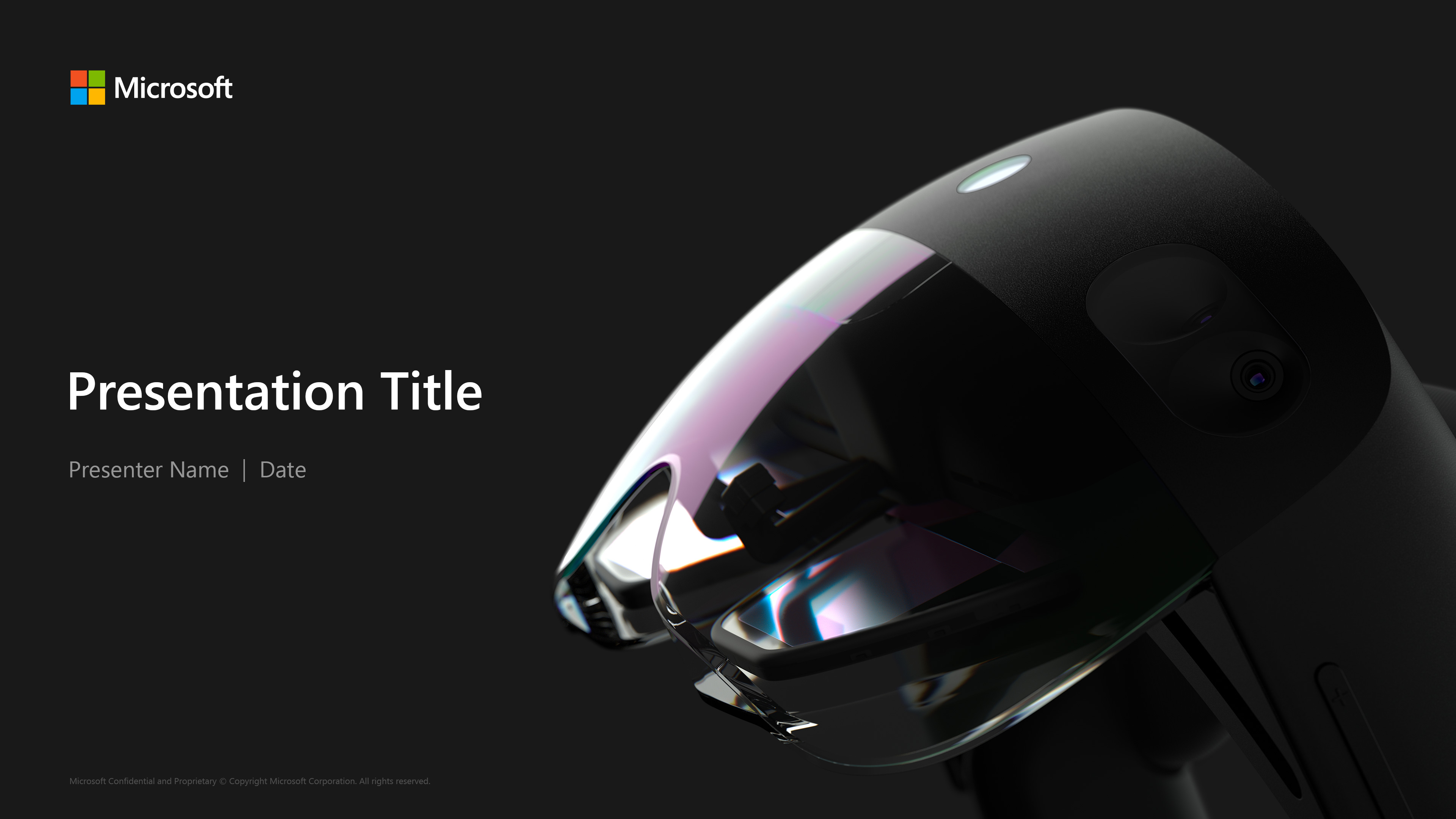
HOLOLENS ADVANCED OPTICS & SYSTEMS
HOLOLENS ADVANCED OPTICS & SYSTEMS
HOLOLENS ADVANCED OPTICS & SYSTEMS
HOLOLENS ADVANCED
OPTICS & SYSTEMS
CLIENT
Microsoft.
MY ROLE
Visual/Presentation Designer.
PROJECT SUMMARY
I had the opportunity to help with the design, creation, and management of Powerpoint presentations and templates for the HoloLens Advanced Optics team. Some skills that I've utilized (and brushed up on) for this role include data visualization, layout and composition, typography, and story-telling.
Also due to the highly confidential nature of this project, I cannot show specific work but will instead show my process for how I created the presentation templates.
01 WORD LIST
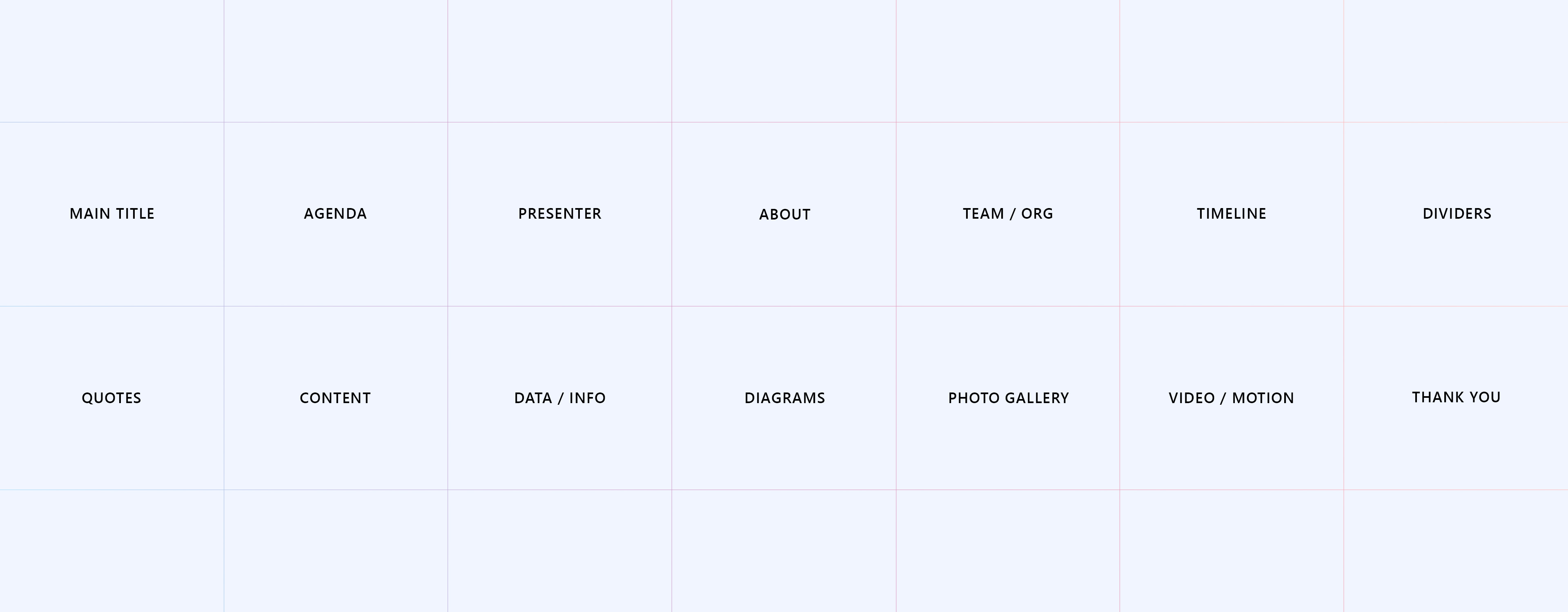
The first thing I needed to figure out was what main elements and key slides needed to be included in these templates. Some things I needed to consider while creating this list included different elements for different kinds of presentations. For example, what should be included in a high-level presentation for a CVP vs. a general weekly update for your broader team. Here is the group of items that I came up with.
02 SKETCHES / WIREFRAMING
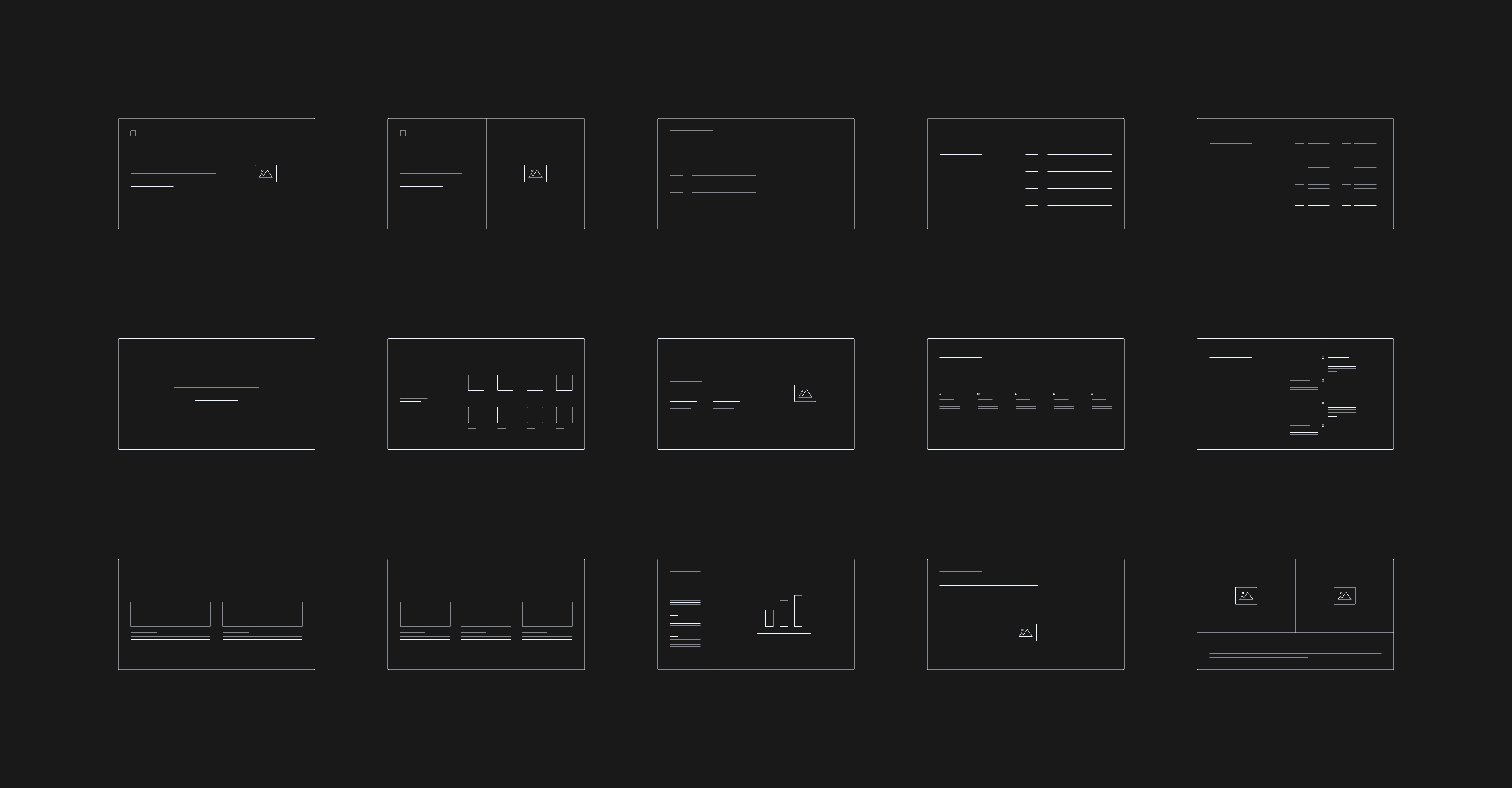
After figuring out the key components I moved on to research, brainstorming, and sketching/wireframing. For my research, I did an internal scrub of past presentations already being used as well as templates already created by other orgs. This helped set the foundation for the general look and feel of what future templates should be while also giving a base for logo placement, legal statement, etc.
I also did a lot of external research looking at other presentations and took note of what was successful and what wasn't. From here, I moved on to sketching and eventually mocking things up in Illustrator.
After figuring out the key components I moved on to research, brainstorming, and sketching/wireframing. Some things I needed to consider included creating different types of templates for general weekly updates versus a high-level deck for leadership and what those slides might look like.
After figuring out the key components I moved on to research, brainstorming, and sketching/wireframing. Some things I needed to consider included creating different types of templates for general weekly updates versus a high-level deck for leadership and what those slides might look like.
03 GRID
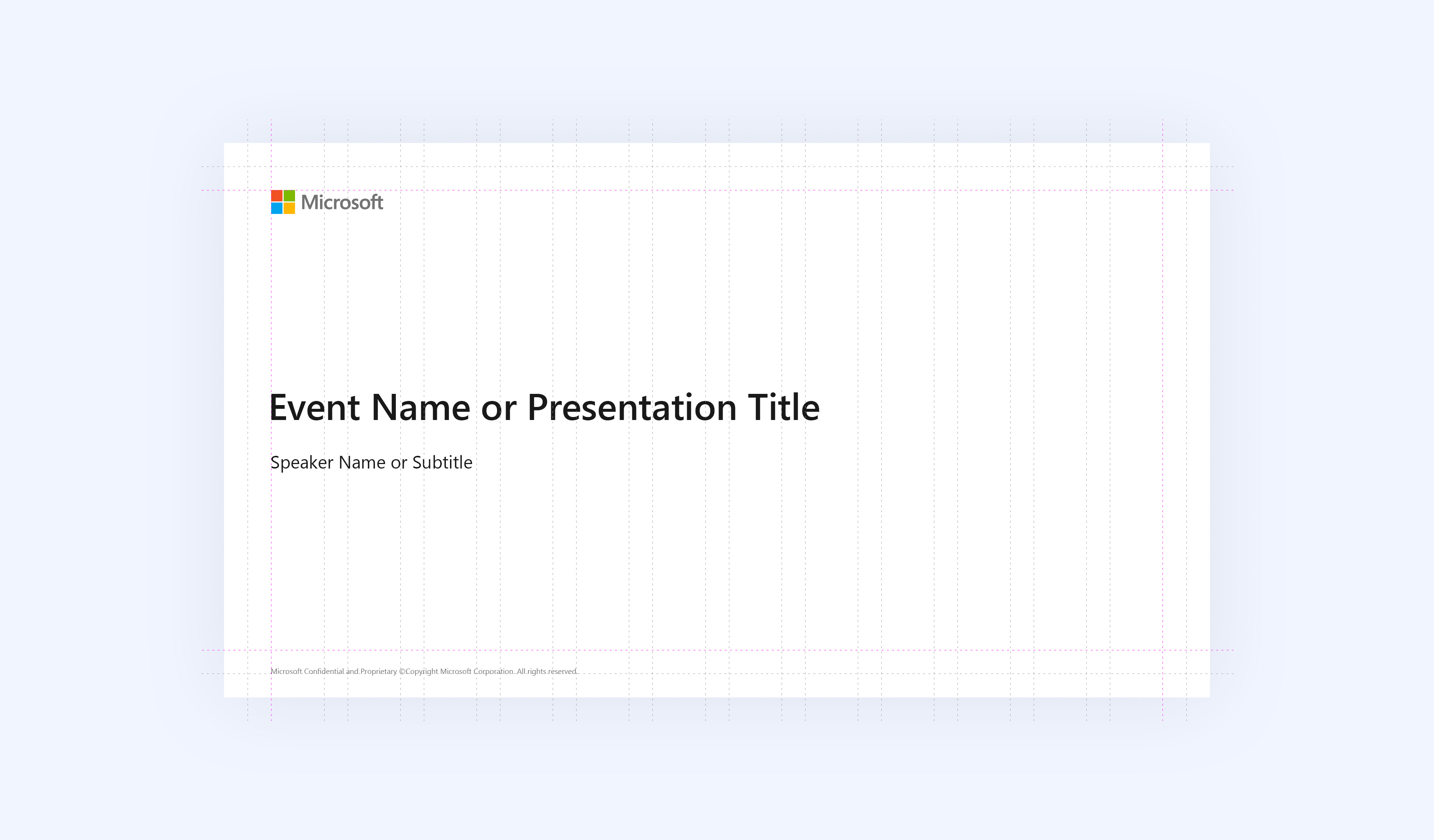
Something that I wanted to focus on for these templates was that the design could be flexible but still look part of a set. I tested out different grid layouts but decided that the 12-column grid worked best for that. Spacing is based off the height of the Microsoft logo.
04 FINAL TEMPLATE / LIGHT VERSION
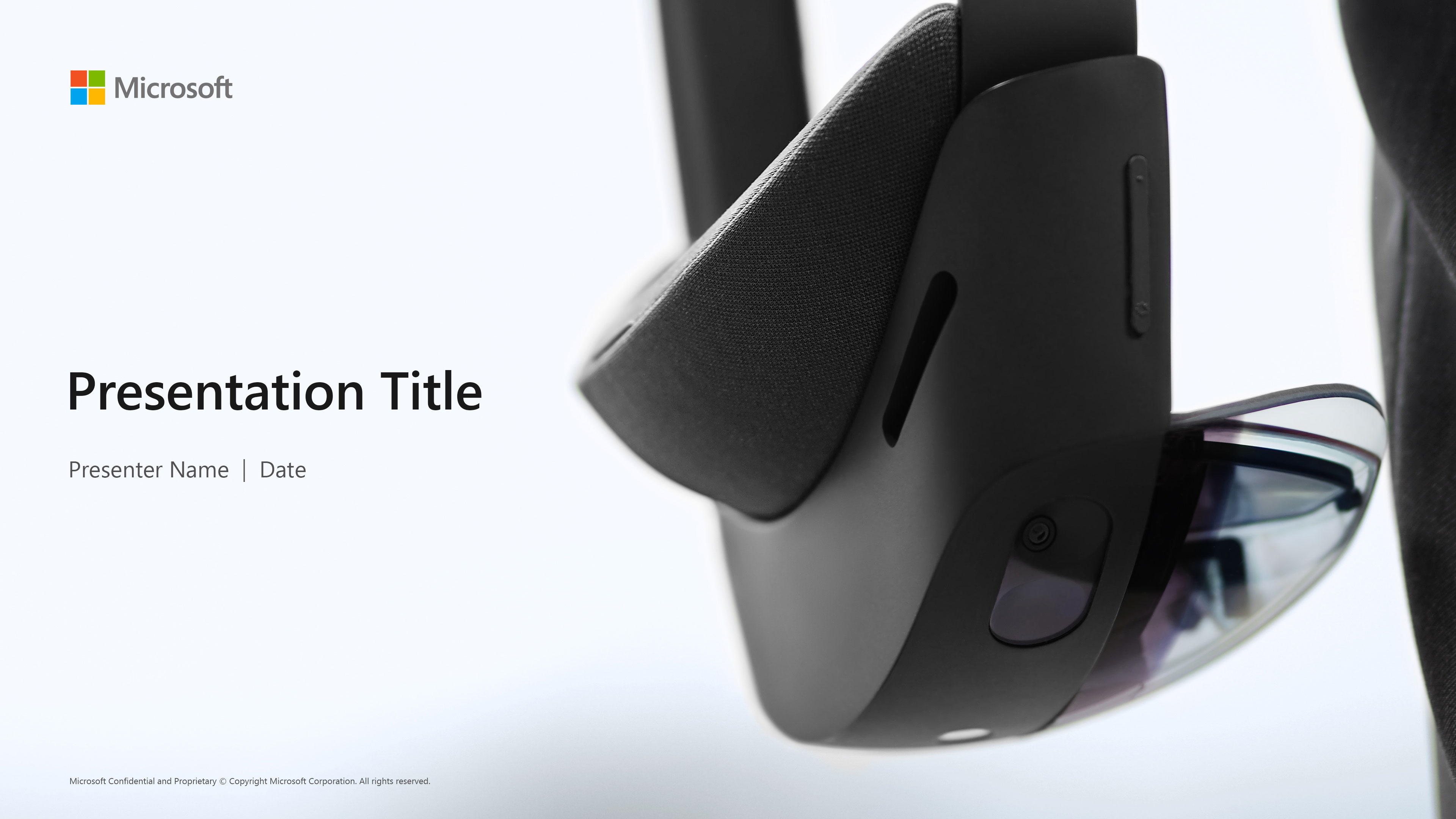
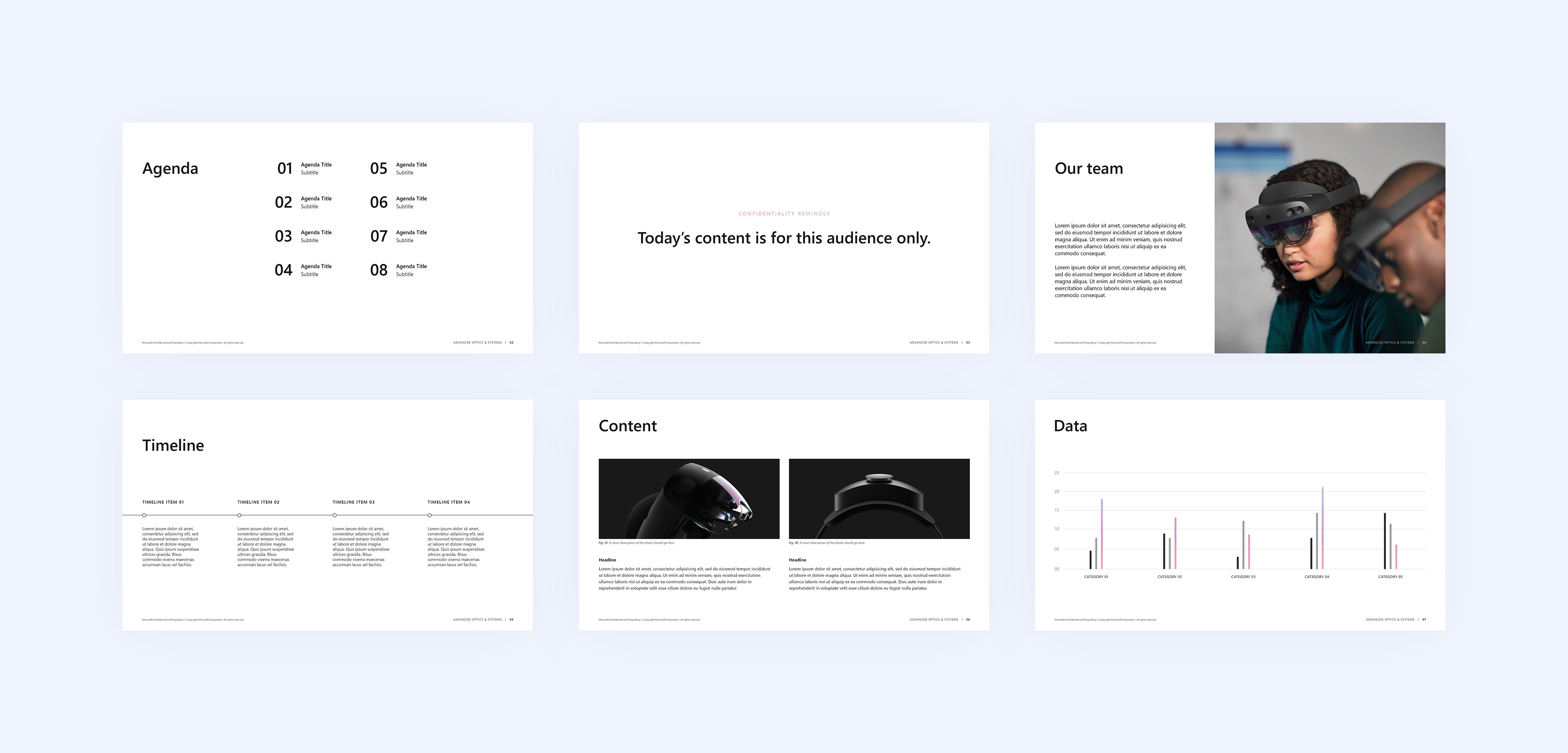
For this light template version, I wanted typography and photos to be the main visuals. I kept the colors mostly to black and white with subtle hits of color for emphasis. I used the HoloLens gradient as a placeholder color but this could easily be swapped out with another color depending on what the presentation is being used for.
05 FINAL TEMPLATE / DARK VERSION
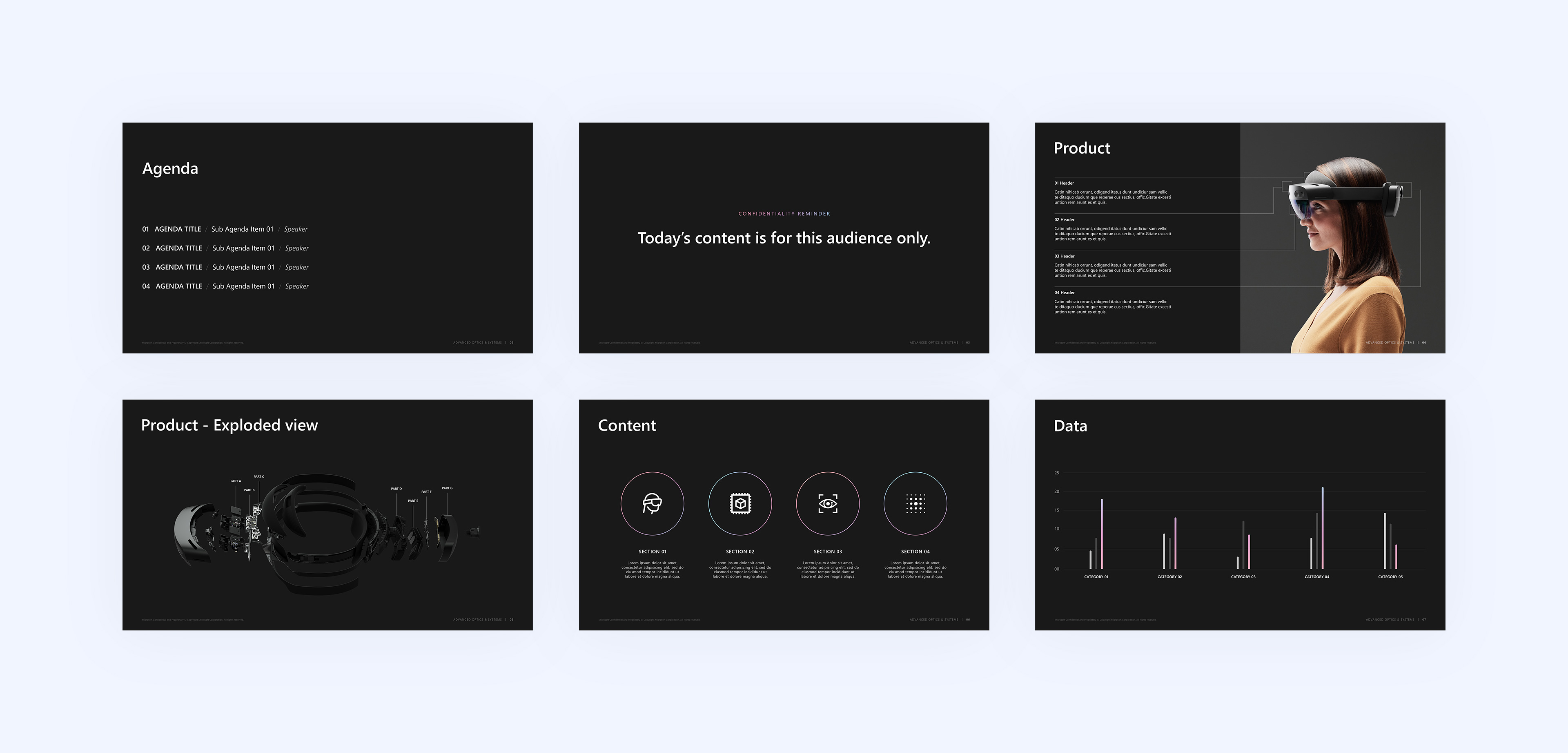
After creating the light version of this presentation template, I realized that it could easily be translated into a dark version. Using a darker background template allowed for certain diagrams and photos to stand out and have more of an impact upon the audience.
This dark template design eventually became the basis for a lot of the presentations that I helped create while on the Optics team. It especially came in handy when we needed to shift the Advanced Optics brand to fit more within the HoloLens and Azure brands.